Which Permissions to Configure for Each WhatsApp Group Participant
Stop relying on the "common sense" of participants. Learn how to legally shield your WhatsApp group and know exactly what to allow (and what to block) for each type of member.
The Price of an Overly Open Group
There's a myth on the internet that "good groups are free groups." Legal and operational reality shows the exact opposite. A group where all members can send links, create polls, and change the profile picture is a ticking time bomb for your brand's reputation.
Correctly configuring permissions is not "censorship," it's Digital Governance. It's how you prevent phishing scams disguised as links and avoid heated arguments in the middle of the night. Managing isn't just moderating conversations; it's building the safe environment where those conversations take place.
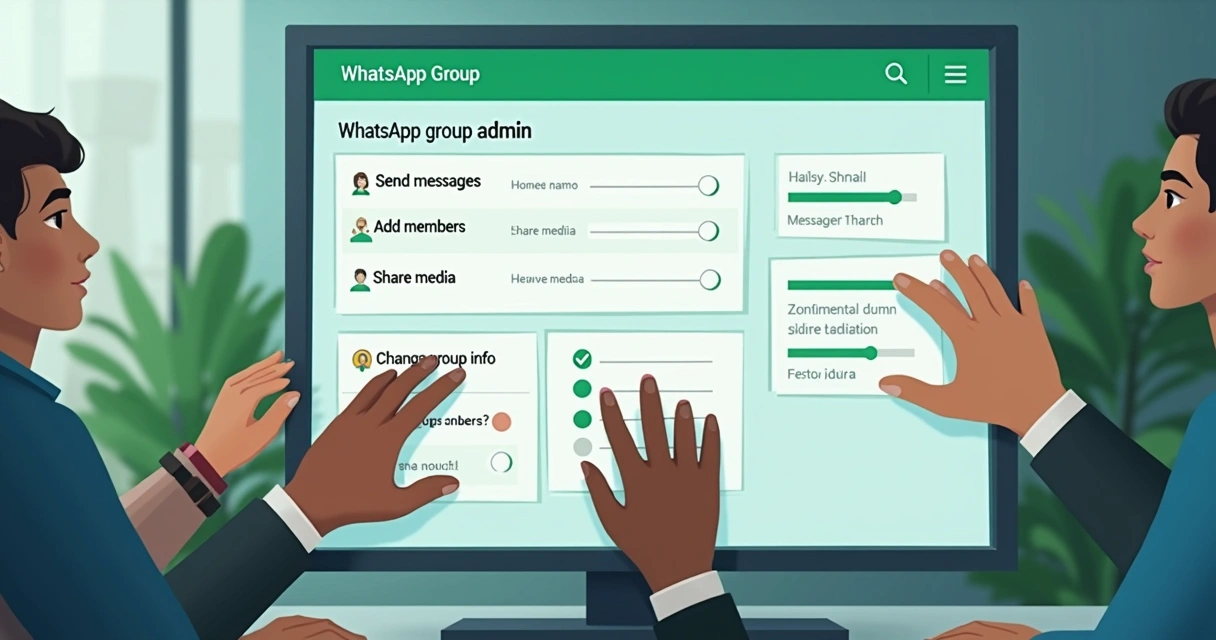
The Permission Hierarchy (The 3 Levels)
Every professional community should be divided into at least three tiers of power. Giving equal rights to everyone creates anarchy.
1. The Owner / Master Admin
- Powers: The "owner" of the phone number. Only they have the power to promote and demote other moderators and define the general rules of the bot tool (like 9bot).
- Restriction: They should never use their personal number for management. The Master Admin number should be an official corporate line.
2. The Co-Administrator / Moderator
- Powers: Handles the day-to-day. Has permission to delete third-party messages, temporarily mute the group, and issue strikes (warnings).
- Restriction: Should not have permission to alter the system's fundamental automations.
3. The Standard Member
- Powers: Consume content, interact during allowed hours, and send messages formatted according to the group's rules.
What to Block and What to Allow (Checklist)
Below, we detail how your group should be configured right now, whether through the native app or via 9bot automation:
High-Risk Permissions (BLOCK)
- Edit Group Info: Never allow members to change the group name or photo (high risk of digital vandalism).
- Send Links/Files: Standard members should not send URLs or PDFs (high risk of viruses/spam).
- Create Polls: Random polls distract from official moderation and announcements.
Retention Permissions (ALLOW)
- Text Messages: The baseline for maintaining human engagement.
- Self-Service Commands: Allow members to use commands (e.g.,
/help) to interact with the bot without triggering an administrator. - Mentions (@): Allow direct mentions only to call Official Moderators.
The Legal Risk (Official Warnings)
Did you know that the creator of a WhatsApp group can be held legally responsible for the actions of one of its members? Entities such as regional real estate councils have already issued official warnings regarding this legal precedent.
Whether it's defamation or the distribution of pirated content, courts often understand that if the administrator sees an illegal act and remains silent (doesn't delete the message or remove the user), they are complicit. Blocking media uploads and using Bots to automatically delete profanity is a legal self-defense measure for your company.
Quiz: The Swapped Photo Case

Temporary Permissions with Bots
Excessive rigidity can kill a group. How do you allow a guest speaker to send a PDF without opening the entire group to file uploads?
That's what 9bot is for. You can configure Temporary Permissions. Through a quick command (e.g., /allow @John 1h), the bot allows only that user to send files for the next 60 minutes. Time's up? The bot locks the permission again, ensuring tactical flexibility without losing strategic security.
Related Articles
Conclusion
Managing permissions is drawing the line between professionalism and chaos. A modern administrator knows that delegating restrictions to tools like 9bot isn't a loss of control, it's the exact opposite: it's having the mathematical certainty that your group will function perfectly and remain legally shielded, even when you're on vacation.
Frequently Asked Questions about Permissions
Who should be able to change the group's photo and name?
Can I be sued for what people say in my group?
How does 9bot help with permission control?
Your Group's Security Comes First
Avoid lawsuits, vandalism, and headaches. Configure intelligent automations and clear rules using the 9bot infrastructure.
Enhance Permissions with 9bot

